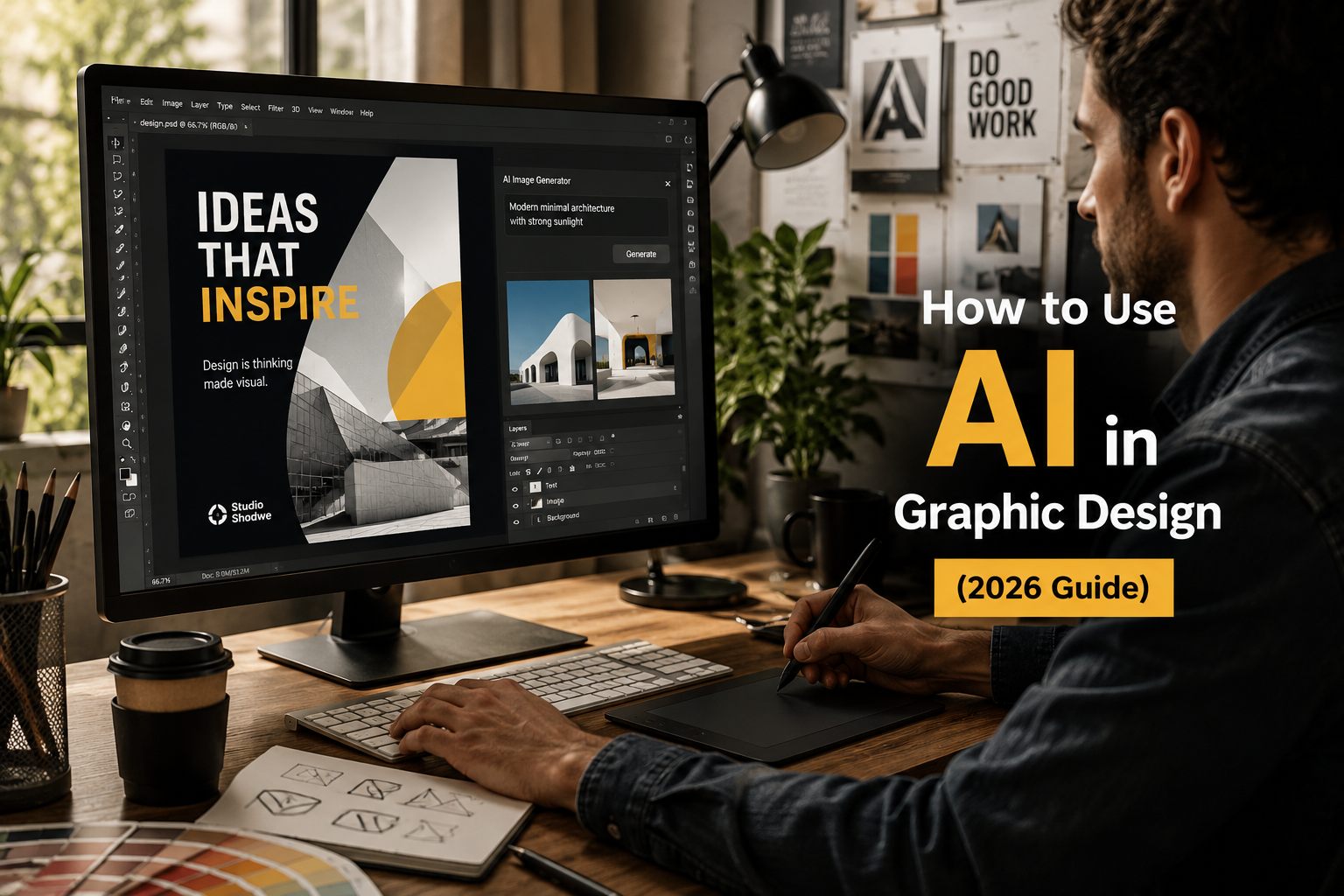
How to Use AI in Graphic Design (2026 Guide)?
Artificial Intelligence (AI) is changing the way graphic design works. But it’s not here to replace designers-it’s here to make work faster, easier, and more creative.
If you use AI correctly, you can create more ideas, finish projects faster, and improve quality. But if you depend on it too much, your designs may look generic.
Let’s understand how to use AI the right way in graphic design.
What is AI in Graphic Design?
AI in graphic design means using smart tools to help create visuals, layouts, images, and content faster.
These tools can:
- Generate design ideas
- Create images and layouts
- Suggest colors, fonts, and styles
- Write basic content
AI works like a helper, not a decision-maker. It speeds up work, but humans still control creativity and branding.
Why AI is Important for Designers
AI is now part of modern design tools, helping designers work faster and smarter.
Here’s why it matters:
- Saves time on repetitive tasks
- Helps explore more design ideas quickly
- Improves productivity
- Makes it easier to scale designs
Instead of creating 2-3 design options, you can now create 10-20 variations in minutes.
Where AI Helps in the Design Process
AI can support almost every stage of design:
1. Research & Ideas
AI can quickly analyze data, user feedback, or content and give insights.
Example:
- Summarizing customer feedback
- Finding patterns
- Suggesting content ideas
This saves hours of manual work.
2. Ideation (Creating Concepts)
This is where AI works best.
You can:
- Generate multiple design styles
- Create mood boards
- Explore layout ideas
AI helps you think bigger and faster, not replace creativity.
3. Wireframing & Layouts
AI tools can:
- Suggest page layouts
- Arrange content blocks
- Create basic UI designs
Instead of starting from zero, you start with a ready structure and improve it.
4. Content Creation
AI can generate:
- Headlines
- UI text
- Captions
- Product descriptions
This is helpful for small teams without dedicated writers.
5. Design Scaling
AI helps in:
- Resizing designs for multiple platforms
- Maintaining consistency
- Updating design systems
This is very useful for large projects and brands.
How to Use AI Without Losing Creativity
Many designers worry that AI will make designs look the same.
That only happens if you:
- Use weak prompts
- Accept AI output without editing
To avoid that:
Follow this simple approach:
- Define your brand (colors, fonts, style)
- Use AI to generate multiple options
- Select the best ideas
- Improve and customize manually
AI gives options, you choose the best one.
Where You Should NOT Use AI
AI is powerful, but it has limits.
Avoid using AI for:
- Brand strategy
- Emotional storytelling
- Cultural understanding
- Important design decisions
- Accessibility judgments
AI does not understand human emotions or real-world context.
Only designers can handle that properly.
Common Mistakes to Avoid
Many teams make these mistakes:
- Using AI output without editing
- Not testing designs with real users
- Ignoring brand consistency
- Overusing AI for everything
Remember:
AI output is a starting point, not final work.
Future of AI in Graphic Design
AI is not replacing designers—it’s changing their role.
In the future:
- Designers will focus more on strategy
- Creativity and decision-making will be more important
- AI will handle repetitive work
The real advantage will be:
👉 Knowing how to use AI properly
👉 Making better creative decisions
Conclusion
AI is a powerful tool for graphic design—but only if used correctly.
- It helps you work faster
- It improves idea generation
- It reduces manual work
But strong design still depends on:
- Human creativity
- Brand understanding
- Strategic thinking
Use AI to support your creativity, not replace it.