

Communication is essential in today's digital business environment. Companies need to find quick, reliable, and effective ways to engage with their customers. Whether you are confirming an order, sending your payment notice, or sending an OTP, being timely is everything. This is where WhatsApp Business API comes into play. Now that you have Creativepoint to help you with this powerful tool, going forward with your WhatsApp Business API integration to manage customer relationships and grow your business will be effortless!
In this blog, we will review the benefits of WhatsApp Business Transactional API and show you how Creativepoint can make it work for you.
Transactional messages are designed for communicating with customers. They go out automatically as a result of the customer taking an action (post-purchase emails). These messages are sent immediately after an action occurs, like a purchase confirmation, payment receipt, or dispatch message.
Here’s how WhatsApp Business API makes this much easier:
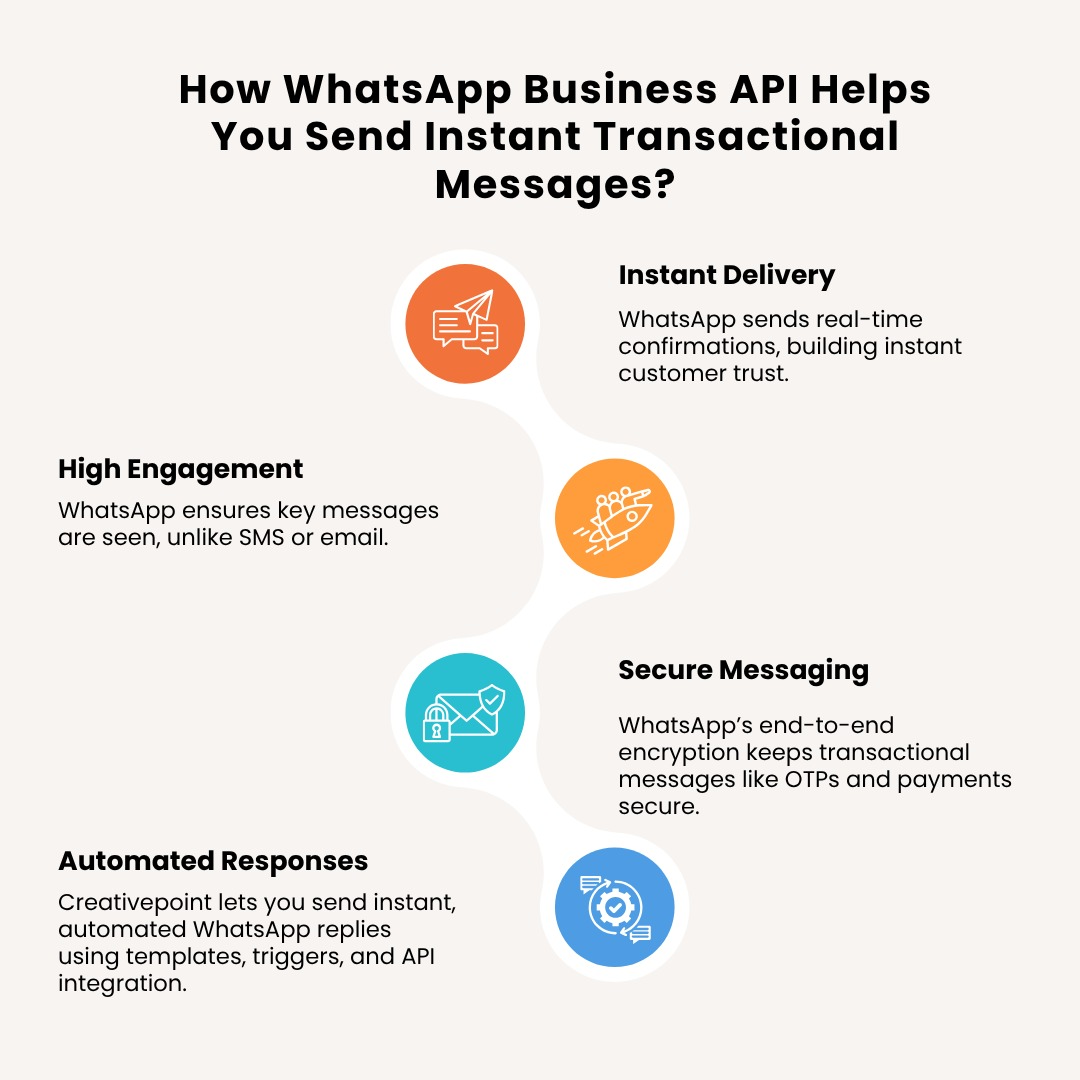
Messages sent on WhatsApp are received in real time, not at the last second (e.g., 24 hours and 20 minutes later), as you would usually expect. So, at the very second, the customer buys something or pays for something. The customer receives a WhatsApp message confirming it, providing the customer with trust and the overall experience.
Compared to SMS or Email, WhatsApp messages are opened and read at a notably higher rate. This means that essential transactional information will be seen, instead of potentially being lost or junked in their SMS or emails.
All conversations in WhatsApp are end-to-end encrypted. This makes it a safe place to send sensitive information like order confirmations, payment confirmations, OTPs, etc.
You can automate responses to your customers orders based on the action your customers take. Whether it’s an event booking confirmation or a dispatch notification, your system can communicate back to your customer instantly, without a human touching the conversation. With Creativepoint, sending these instant and automated messages could not be easier. We enable you to create templates, set triggers based on customer action, and connect the API with your existing systems.
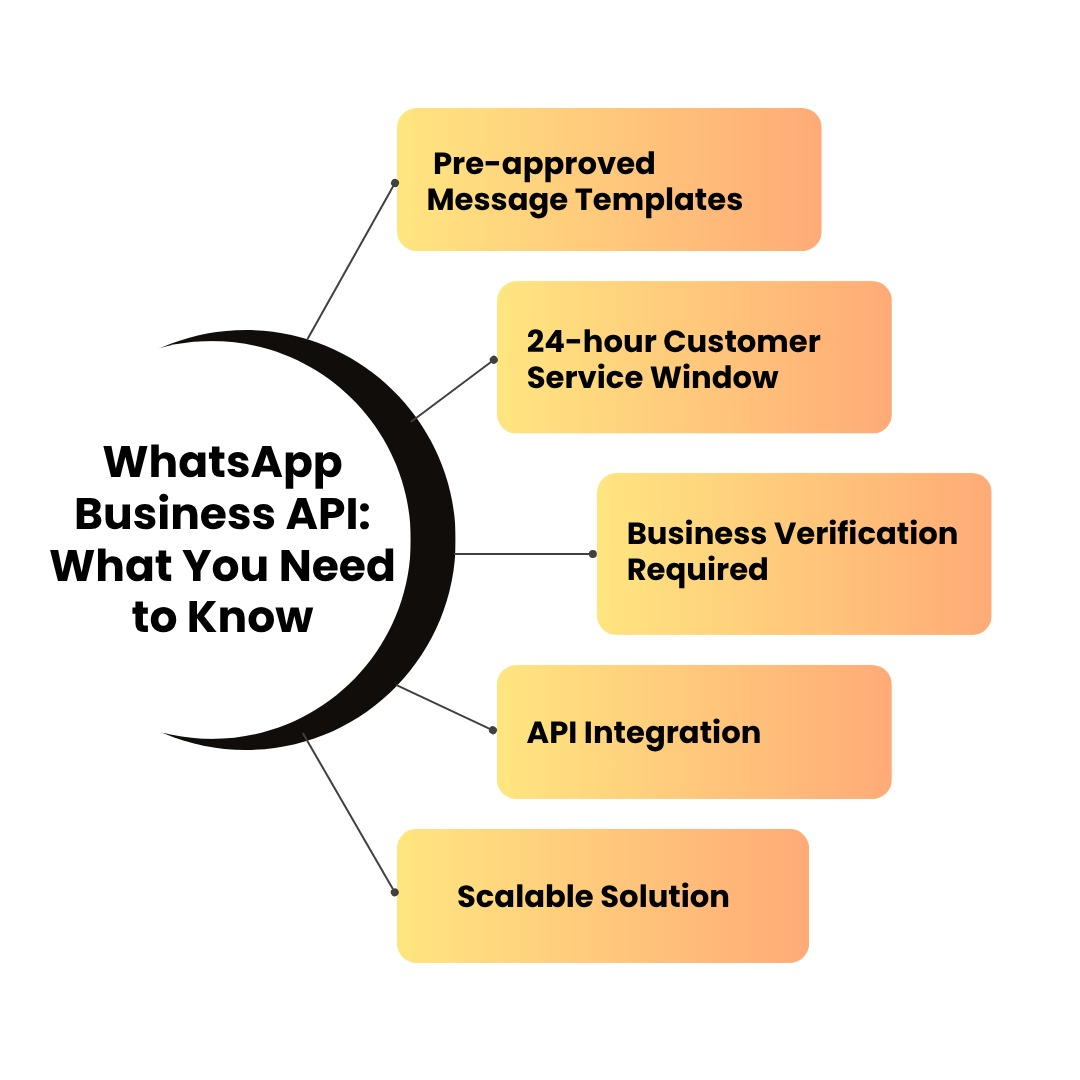
The WhatsApp Business Transactional API is a part of Meta’s broader business communication platform. Here are the key points you should know:
You cannot send messages freely. All transactional messages must use pre-approved templates by Meta. Creativepoint helps you write and submit these templates for quick approval.
If a customer messages your business, you can reply freely within 24 hours. After that, you can only message them using an approved template.
To use the WhatsApp API, your business must be verified by Meta. This includes submitting business documents and verifying your phone number. Creativepoint manages this entire process for you.
The API needs to be integrated with your backend systems or CRM. This allows it to automatically send messages based on specific user actions.
Whether you’re sending 100 messages a day or 10,000, the WhatsApp API can handle it. It is built for scale and reliability.
Creativepoint provides end-to-end support, from documentation to integration, so that you can focus on business while we handle the technical part.
Let’s take a look at how transactional messaging through WhatsApp works and see why it is so important for businesses today.
Customer Action: A customer takes action on your website or app (i.e. places an order).
Trigger: Your system generates a notification request.
API Call: The WhatsApp API sends a message utilising an approved template.
Message Delivered: The customer receives the message immediately on WhatsApp.
Real-time Engagement: Customers immediately get feedback, which creates trust and customer satisfaction.
Better communication: This reduces the opportunity for any misunderstanding or failing to communicate an update.
Reduced support costs: Customers call your support line less often as they have the info already.
Customer Retention: Fast communication creates a reason for repeat business.
For example, suppose a customer books a hotel room. In that case, they will receive a WhatsApp notification confirming their booking and explaining the review time and how to contact the hotel if needed within seconds. That's reliable communication.
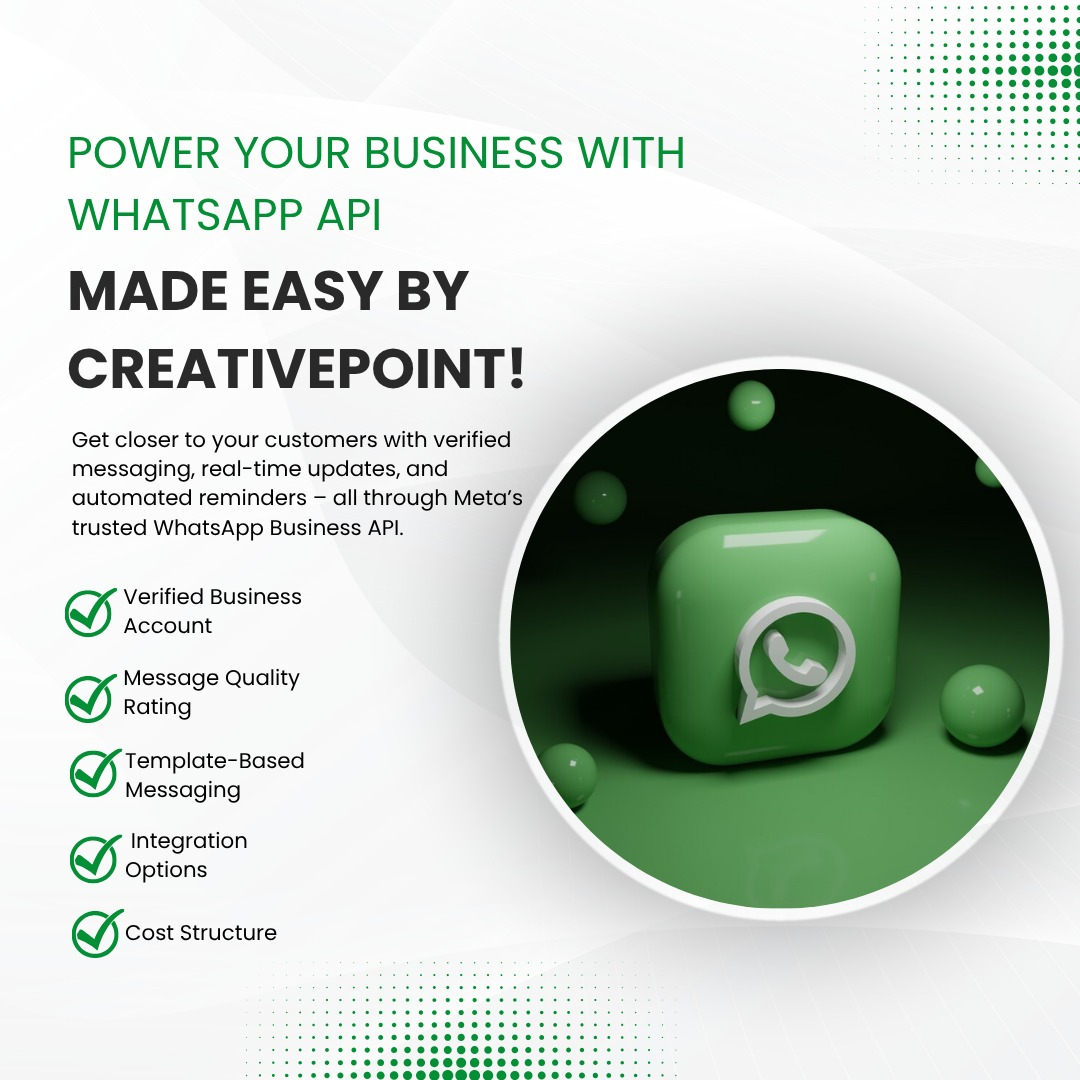
Meta, the parent company of WhatsApp, designed the Business API to help businesses reach customers effectively while maintaining privacy and compliance.
Here are the main components of Meta’s API system:
To use the API, your WhatsApp Business Account must be verified. This gives your business a green checkmark and builds trust with customers.
All outbound messages must use templates. This helps maintain quality and avoid spam. You can create templates for:
Meta monitors how customers react to your messages. If too many users block or report your messages, your quality rating may drop. Creativepoint ensures that your templates follow best practices to keep engagement high and complaints low.
You can integrate the API with tools like:
YWhatsApp charges per conversation with different prices for user-initiated conversations or business-initiated conversations. Creativepoint helps you navigate the pricing and optimise your usage.
Setting up the WhatsApp Business API involves technical steps, approvals, and ongoing management. At Creativepoint, we simplify this process for you:
Whether you are a small business or a large enterprise, our team makes sure you get the best out of WhatsApp's powerful platform.
In a world where customers expect instant and personalised service, WhatsApp Business API is no longer optional, it's a requirement. The API provides your business with a direct and trusted communication channel, from real-time updates to secure messaging.
With Creativepoint, we're not going to make you worry about the technical side. We're here to get you started, stay in compliance and use WhatsApp to grow your business through smarter messaging and scheduling.